
What is Recite Me?
We want everyone to be able to use our website easily. That’s why we’ve added Recite Me, a helpful tool that makes our website more accessible for all.
Translate, listen, change
Recite Me is an easy-to-use toolbar that lets you change how our website looks and sounds. It helps people with different needs read and understand the information on our site. With Recite Me, you can:
- Translate the website into over 150 different languages
- Change the font, size, colours, and spacing to suit your needs
- Listen to the text on our website being read out loud in over 100 languages
- Use tools like a screen ruler or magnifier to help you focus
How to use Recite Me
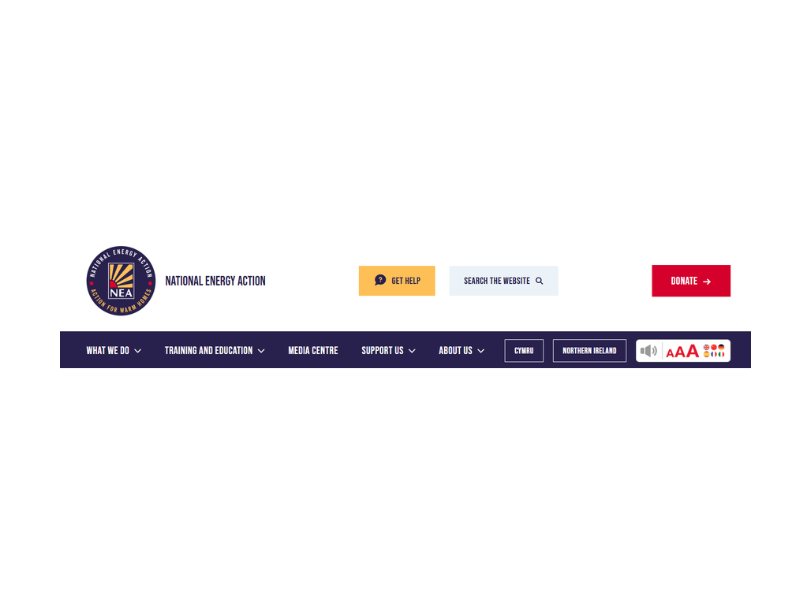
Click the Accessibility Toolbar button at the top of the webpage (circled in red).
The Recite Me toolbar
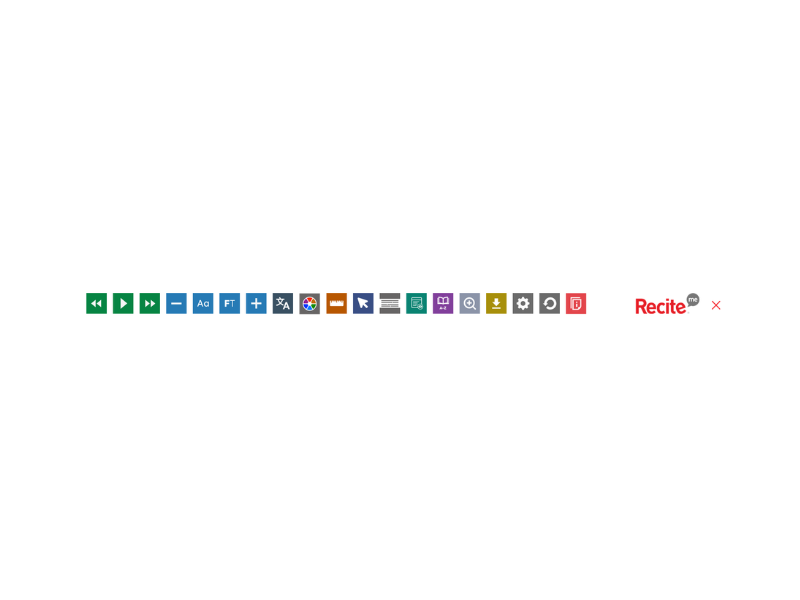
The toolbar will appear, and you can start choosing the settings that work best for you.
Who is Recite Me for?
Recite Me is here to help anyone who might find websites hard to read or navigate. It might help if you:
- Have sight problems or dyslexia
- Speak English as a second language
- Have learning or attention difficulties
- Want to customise the website